
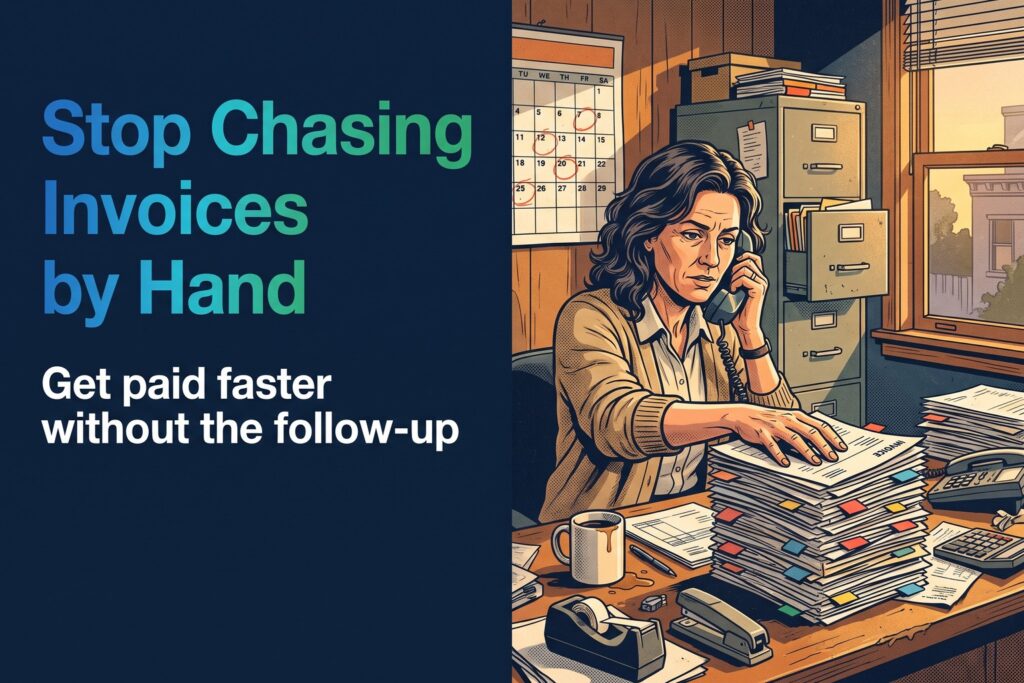
Overdue Invoices: How Service Businesses Stop Chasing Them by Hand
How much money is sitting in overdue invoices right now? If the answer takes a spreadsheet and an hour to find, the chasing is costing you more than the late payments.

Quick Answer
Overdue invoices pile up when follow-up depends on someone finding the time. A follow-up system watches your open invoices and handles the routine work for you: reminders before and after the due date, escalation of older or larger balances to a person, and an automatic stop when payment arrives. It runs on top of the accounting or billing system you already use, so nothing gets replaced. The result is faster payment and far less time spent chasing, without losing the personal touch where it counts.
Who This Is For
Owners, office managers, and bookkeepers at HVAC, plumbing, roofing, law, and facility management businesses where invoices go out faster than payments come in, and follow-up depends on someone finding the time.
In This Article
The Question Worth Asking
How much money is sitting in overdue invoices right now?
Not the total you billed this month. The amount that is already past due, owed by customers who received the work and agreed to pay for it. Many owners can only guess, because the answer lives in an aging report nobody has time to open.
The work is finished and the invoice is sent. What remains is the part nobody enjoys: remembering who owes what, deciding who to call, and doing it politely, again and again. In most small service businesses that job falls to whoever has a spare ten minutes, which means it happens late or not at all.
What Manual Chasing Really Costs
We won’t quote a statistic about late payments here, because a number without a source you can check isn’t worth repeating. The cost shows up in ways you can verify in your own books.
- Cash that arrives late. Payroll, parts, and fuel are due on time even when customer payments are not.
- Staff hours spent on follow-up. Every call, email, and note is time not spent on scheduling, customers, or growth.
- Inconsistency. One customer gets three reminders, another gets none, because it depends on who remembered.
- Awkwardness. Calling a customer about money feels personal, so it gets postponed.
Where Invoices Stall by Industry
The gap looks similar everywhere. Only the setting changes.
| Industry | Where the invoice stalls | What a follow-up system does instead |
|---|---|---|
| HVAC | Maintenance-agreement and repair invoices go out, then wait for someone to remember | Reminder schedule runs by invoice age, office is alerted when one crosses 30 days |
| Plumbing | Commercial accounts pay on their own timeline and nobody has time to call | Polite reminders go out automatically, large balances escalate to the owner |
| Roofing | Final-payment invoice after the crew leaves the site slips through the cracks | Payment request follows job completion, stops the moment payment posts |
| Law firm | Client billing follow-ups feel awkward, so they get postponed | Consistent, professional reminders sent on schedule, staff notified of aged balances |
| Facility management | Many buildings and vendors mean many invoices at different stages | Every open invoice tracked by age and amount, escalation rules by account |
If your focus is plumbing, the same idea is covered in more depth in plumbing collections automation. This article is the broader view across industries.
How AR Follow-Up Works
AR Follow-Up is one example of what RevUp Now AI builds to close this gap. It isn’t a fixed product you set up and babysit. It is a workflow built around how your business invoices, who approves what, and how you want to sound. The shape usually looks like this:
It Works on Top of Your Accounting Software
The most common worry is that this means switching systems. It doesn’t. The follow-up sits on top of the accounting or billing platform you already run, reading invoice status from it and writing activity back. Your books, your chart of accounts, and your habits stay where they are.
RevUp Now AI handles the consult, the build, the rollout, and the ongoing maintenance, so there is no project for your office manager to take on.
If you want the full service explained, see our accounts receivable automation page, our list of business process automation examples, or our payment reminder email templates for ready-to-send wording.
Myths About Automated Invoice Follow-Up
“This is just another AI tool I’d have to learn.”
It isn’t a tool you configure yourself. RevUp Now AI consults on how your invoices actually move, builds the follow-up around your process, and maintains it afterward. You get paid faster, not another login.
“Automated reminders will annoy my customers.”
A clear, polite reminder on a predictable schedule is easier on the relationship than an awkward call weeks late. You set the tone and the rules.
“I’d have to replace my accounting software.”
No. It works on top of QuickBooks or whatever billing system you already run. Your books stay where they are.
“My bigger customers need a personal touch.”
They still get one. Escalation rules route large or old balances to a person, so automation handles the routine and you handle the relationships.
Find out what’s sitting in overdue invoices
Every business invoices differently. Talk through yours and see what done-for-you follow-up would look like on top of the software you already have.
Book a call with RevUp Now AIFrequently Asked Questions
How do you collect unpaid invoices without chasing customers by hand?
Put the routine on a schedule. A follow-up system tracks your unpaid invoices and handles the routine work for you: reminders on a schedule, escalation of older or larger balances, and an automatic stop when payment arrives.
Do I need to change my accounting software?
No. The follow-up is built around the billing or accounting system you already use, such as QuickBooks. Specifics are worked out in an initial consult.
Will it replace the person who handles billing?
No. It removes the repetitive chasing so that person can spend time on exceptions, disputes, and customers who need a conversation.
What happens when a customer pays?
The reminders stop. A system that keeps nudging someone who already paid does more harm than good, so stopping on payment is a core part of the design.
How do I know how much is overdue right now?
Run an aging report in your accounting software. Look at everything past 30 days. Most owners are surprised by the total.