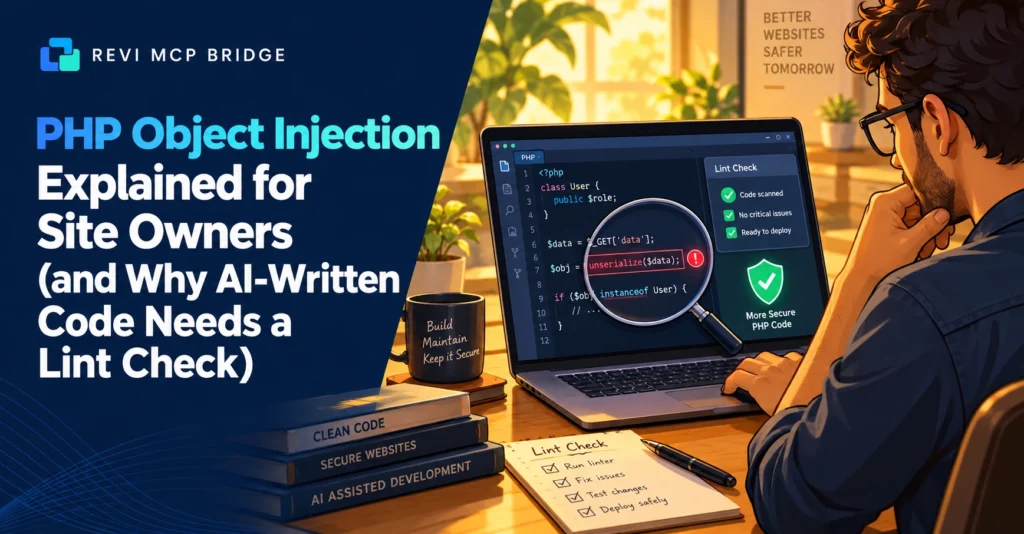
PHP Object Injection Explained for Site Owners (and Why AI-Written Code Needs a Lint Check)
October 2026 advisories again list PHP object injection in WordPress plugins and themes. You do not need to be a developer to understand the risk, or to know what to ask when an AI writes PHP for your site.
PHP
7 min read
Quick Answer
PHP object injection happens when a site takes data from a visitor and rebuilds it into a PHP object using unserialize(). If a suitable class exists on the site, the attacker can steer what it does, which can lead to file deletion or code execution. The fix is vendor patching. When an AI writes PHP for you, the safeguards are linting, verification and a snapshot before anything is saved.
Who This Is For
Site owners who see “PHP object injection” in a security notice, and developers who let an AI edit theme or plugin code.
What It Is
PHP can turn an object into text (serialize) and back (unserialize). That is safe when the text comes from your own code. It becomes dangerous when the text comes from a form, cookie or request that a visitor controls. The visitor can craft input that rebuilds an object of their choosing, and on some sites that object triggers harmful actions when PHP cleans it up.
The attack needs two things at once: unsafe unserialize() on visitor data, and a usable class already present on the site. That is why it often depends on which plugins and themes you have installed together.
Recent Examples
These are advisories listed in October 2026. Check the vendor’s page before acting, because versions and fixes change.
| Item | Affected versions | Status reported |
|---|---|---|
| Affiliates plugin | 7.0.1 and earlier | Fixed in 7.1.0 |
| Convex theme | 1.16.0 and earlier | No official patch listed at the time of writing |
| WP Ultimate Exporter | 3.0 and earlier | Fixed in 3.1 |
What a Site Owner Can Do
- Update. Patched versions are the fix. Turn on updates for security releases.
- Remove what you do not use. An inactive plugin can still be a risk if it is vulnerable and present.
- Replace abandoned items. If a theme has no patch, plan to move off it.
- Keep backups you have tested. Restore matters more than prevention when something slips through.
When an AI Writes PHP
If you let an assistant edit a child theme or your own plugin, a mistake in PHP can take the site down, and sloppy code can create new holes. Revi MCP’s Developer Mode is built around that risk:
- It is off by default and independent of the other safety modes.
- Writes are limited to a theme, a child theme, or plugins you explicitly allowlist as your own code.
- Every PHP write is linted against a temp copy first and rejected if it is broken.
- The file is verified byte for byte after it lands and snapshotted before the change.
- WordPress core, wp-config.php and .htaccess are always off-limits.
A lint check catches syntax errors. It does not prove code is secure, so review anything that handles user input, and never ask an AI to add unserialize() on request data.
Let AI Edit Code With Guardrails
Developer Mode lints, verifies and snapshots every PHP write.
FAQ
Am I affected if I do not use those plugins?
Not by those specific items, but the same class of flaw appears regularly. Keep everything updated.
Does Revi MCP protect my site from these flaws?
No. Those are bugs in other plugins and themes and need the vendor’s patch. Revi MCP controls what an AI can change through it.
Is linted PHP safe PHP?
No. Linting finds syntax errors. Security review of code that handles user input is still your job.
Related reading: WordPress MCP server guide · Setup and connection guide · Pricing