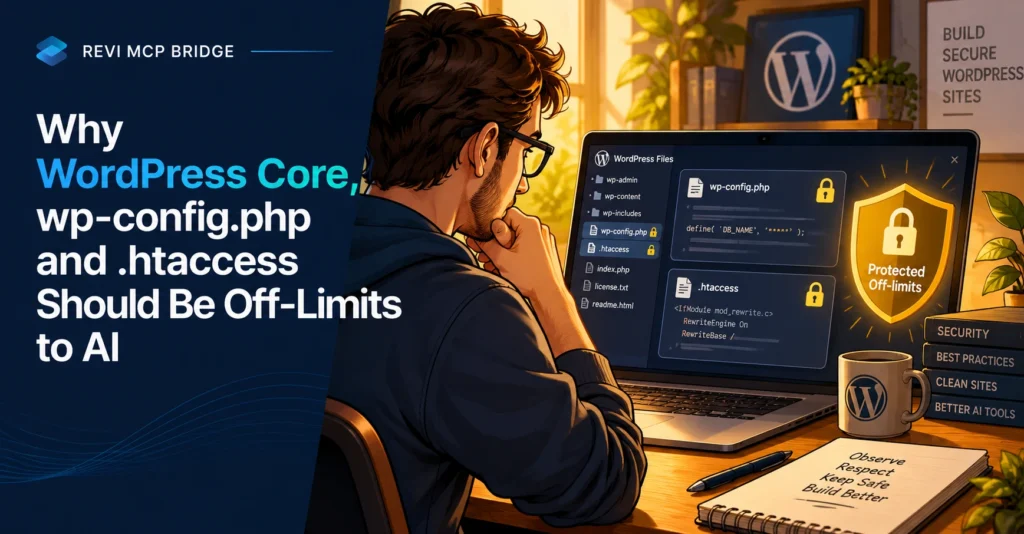
Why WordPress Core, wp-config.php and .htaccess Should Be Off-Limits to AI
Some files hold the keys to your whole site. An AI assistant that can edit them can lock you out, expose your database or break every page at once. Here is what should stay untouchable and why.
Developer Mode
5 min read
Quick Answer
An AI should never write to WordPress core files, wp-config.php or .htaccess, because one wrong character can take the entire site down or expose credentials, and an AI has little way to know the consequence. In Revi MCP these are unconditionally blocked, and no setting overrides that. Its single SQL tool is also read-only.
Who This Is For
Developers and agencies considering a mode where an AI can touch files, and site owners who want to know what stays protected.
The Files That Matter Most
| File | What it controls | If it goes wrong |
|---|---|---|
| wp-config.php | Database login, security keys, debug settings | Site cannot connect, or secrets are exposed |
| .htaccess | Permalinks, redirects, server rules | 500 errors on every page |
| WordPress core | The software itself | Edits are overwritten on update, or break the site |
Why the Database Tool Is Read-Only
Revi MCP’s one SQL tool accepts SELECT, SHOW, DESCRIBE and EXPLAIN only. Write SQL does not exist, on purpose. Reading lets an AI answer “how many orders last month?” without a risk of changing anything. When write SQL ships, it will sit behind its own approval gate.
What an AI Can Still Do
- In Developer Mode, write a theme, a child theme, or plugins you explicitly allowlist as your own code.
- Lint every PHP write against a temp copy first, and reject it if broken.
- Verify the file byte for byte after it lands, and snapshot before the change.
- Edit and publish content, subject to the safety mode you chose.
Developer Mode is off by default and independent of the safety modes.
What This Does Not Cover
Blocking these files limits what an AI can change through Revi MCP. It does not stop someone logging in with a stolen password, or a vulnerable plugin being exploited. Use strong logins, keep software updated and back up the site.
Keep the Dangerous Files Out of Reach
Core, wp-config.php and .htaccess are blocked in every mode.
FAQ
Can I turn the block off?
No. In Revi MCP, core, wp-config.php and .htaccess are unconditionally off-limits and no setting overrides that.
How do I change wp-config.php, then?
Edit it yourself through your host’s file manager or SSH, with a backup first.
Can the AI still read the database?
Yes, with the read-only SQL tool. It cannot write, update or delete through it.
Related reading: WordPress MCP server guide · Setup and connection guide · Pricing