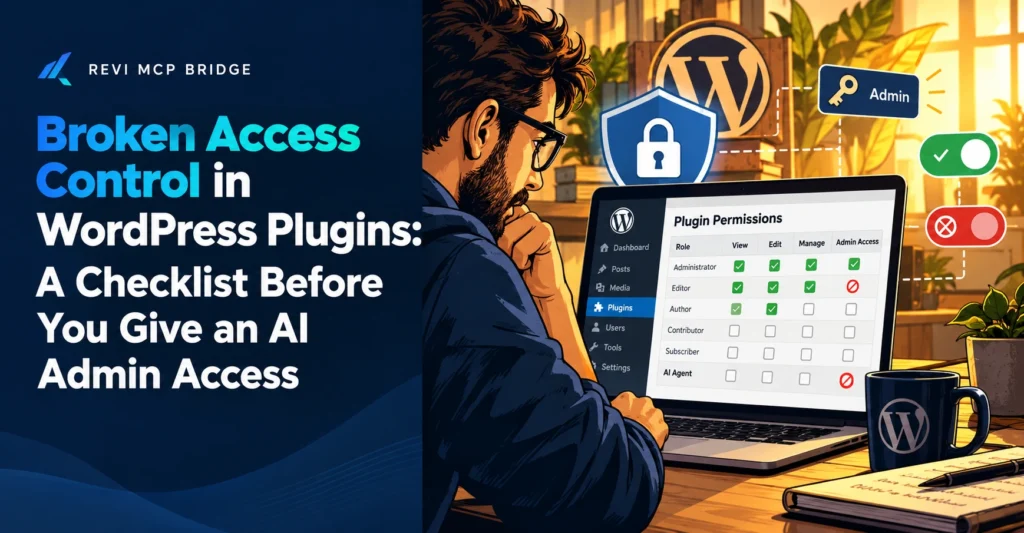
Broken Access Control in WordPress Plugins: A Checklist Before You Give an AI Admin Access
Broken access control means a feature that should be limited to some users is open to others. It is among the most common problems in WordPress plugins, and an AI with broad access makes the same mistake easy to repeat.
Access control
6 min read
Quick Answer
Broken access control is a failure to check whether a person or process is allowed to do something. Patchstack’s 2026 statistics put it at roughly a quarter of WordPress vulnerabilities, second only to cross-site scripting in the categories it names. Before giving an AI admin access, apply least privilege: the smallest permission that gets the job done, for the shortest time.
Who This Is For
Site owners and agencies deciding how much access to give an AI assistant, or auditing who can do what on a WordPress site.
What It Means
A WordPress plugin often adds actions that should only work for certain people: export data, change a setting, create a user. Broken access control is when the plugin forgets the check, or checks the wrong thing, so a lower-level user, or a stranger, can run them. The result can be anything from a leaked list to a full site takeover.
How Common It Is
Patchstack’s published 2026 statistics list broken access control at around 23% of WordPress vulnerabilities, behind cross-site scripting at roughly a third. Separate coverage of its 2026 report says most flaws are found in plugins rather than core. Percentages differ slightly between snapshots, so treat them as approximate and check the source.
The Checklist
1. List who has accounts
Remove old users and downgrade anyone with more rights than they use.
2. Close open registration
If anyone can sign up, treat every new account as untrusted.
3. Update plugins
Many access-control fixes ship as small security releases.
4. Start the AI read-only
Widen permissions one step at a time, only when a task needs it.
5. Keep a log
Know what ran and when, so odd activity stands out.
6. Know how to revoke
Be able to cut the AI’s connection in seconds.
How Revi MCP Applies Least Privilege
Every Revi MCP tool call is checked against the site’s safety mode and its own permission scope before it runs. Read Only is the safest default, Safe Editor adds content edits with approval for destructive steps, and Advanced adds users, plugins and themes. Developer Mode is off by default. Calls are logged with secrets redacted, and the connection can be revoked from wp-admin.
This reduces what an AI can do if it is misdirected. It does not fix access-control bugs in other plugins, which need the vendor’s patch.
Start With the Least Access That Works
Connect in Read Only and widen only when you need to.
FAQ
What is least privilege?
Giving a user or tool only the access it needs for its job, and no more.
Should an AI ever have administrator access?
Only for supervised tasks that need it, and not as a standing default.
How do I know if a plugin has an access-control flaw?
Watch vendor changelogs and a vulnerability database such as Patchstack or Wordfence for the plugins you run, and update promptly.
Related reading: WordPress MCP server guide · Setup and connection guide · Pricing