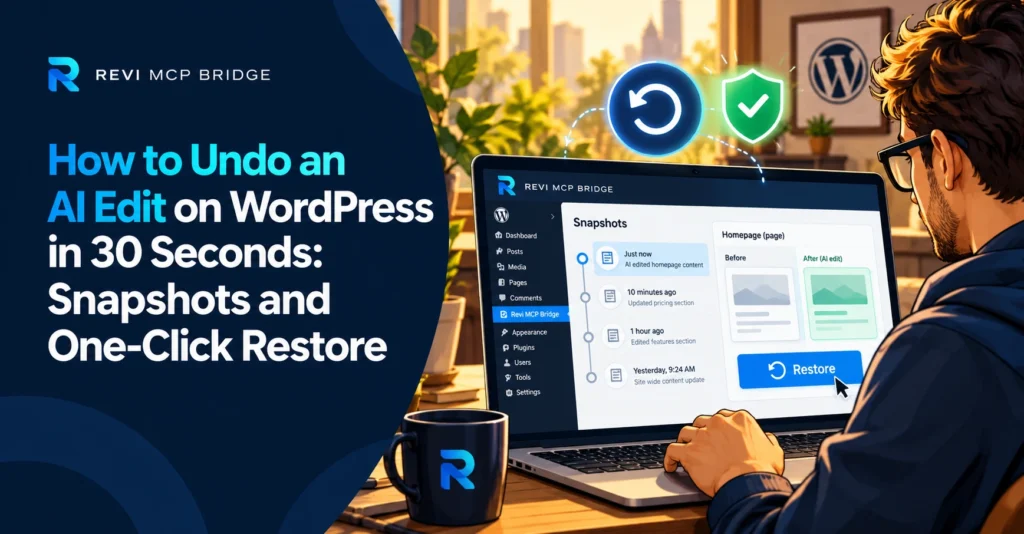
How to Undo an AI Edit on WordPress in 30 Seconds: Snapshots and One-Click Restore
You cannot make an AI perfect, but you can make its mistakes cheap. The difference is whether every change has a way back.
Snapshots
5 min read
Quick Answer
With Revi MCP, page-builder edits take a snapshot before the change, so you can restore the earlier version in one click. Publishes that fail back themselves out to draft, and every call is written to an audit log so you can see exactly what happened. A full-site backup remains your safety net for everything else.
Who This Is For
Anyone nervous about letting an AI edit live pages, and agencies who need a fast way to reverse a bad change for a client.
The Three Layers of Recovery
| Layer | What it gives you | Speed |
|---|---|---|
| Pre-edit snapshot | The page as it was before a page-builder edit, with one-click restore | Seconds |
| Audit log | A record of who ran what and when, with secrets redacted | Immediate |
| Full-site backup | Everything, including files and database changes | Minutes |
What to Do When an Edit Goes Wrong
Pause the AI session so nothing else changes.
Open the audit log and find the call that caused it.
Restore the page from its pre-edit snapshot.
Reload the page on desktop and mobile to confirm.
Habits That Make Recovery Fast
- Ask for a plan first. Have the AI say what it will change before it edits.
- Work in small steps. One page or element at a time is easier to undo than fifty.
- Test on a copy. Duplicate important pages and let the AI work on the duplicate.
- Back up before widening access. Do this before Advanced, Full Access or Developer Mode.
What Snapshots Do Not Cover
A pre-edit snapshot protects the page or file that was edited. It is not a substitute for a full-site backup, and it cannot undo an action taken outside Revi MCP, such as a change made in another plugin or by a person in wp-admin. Keep a tested backup, and treat snapshots as the fast first step, not the only one.
Make AI Edits Reversible
Snapshots, one-click restore and a full audit log, free on one site.
FAQ
Is a snapshot taken for every edit?
Page-builder edits take a pre-edit snapshot with one-click restore. For other kinds of changes, rely on your full-site backup.
What happens if a publish fails?
Publishes back themselves out to draft if they fail, so a half-finished page does not stay live.
Where do I see what the AI did?
In the audit log in wp-admin, which records who, what and when for every call.
Related reading: WordPress MCP server guide · Setup and connection guide · Pricing