

The Change Order Problem: What It Actually Is, and Why Contractors Lose Money on It
A homeowner asks for one more outlet. A GC tells the sub to “just go ahead” on a scope bump over the phone. Everyone nods. Six weeks later, at the final invoice, nobody can agree on what was actually approved, or who’s paying for it. That gap between “we talked about it” and “it’s in writing” is where change orders quietly cost contractors real money.
Quick Answer
A change order is a written, priced, signed amendment to an existing contract that adjusts scope, cost, or schedule. It’s different from a purchase order and different from an RFI. Contractors lose money on change orders not because they don’t know what a change order is, but because the field agrees to changes verbally, the paperwork lags by days or weeks, and by the time someone writes it up, the client has already forgotten, or disputes, what was agreed to.
Who This Is For
General contractors, remodelers, and specialty trades who’ve eaten the cost of a scope change at least once because nothing was signed before the crew did the work. If your change order process still runs through a text message and a verbal “yeah, go ahead,” this is for you.
What a change order actually is
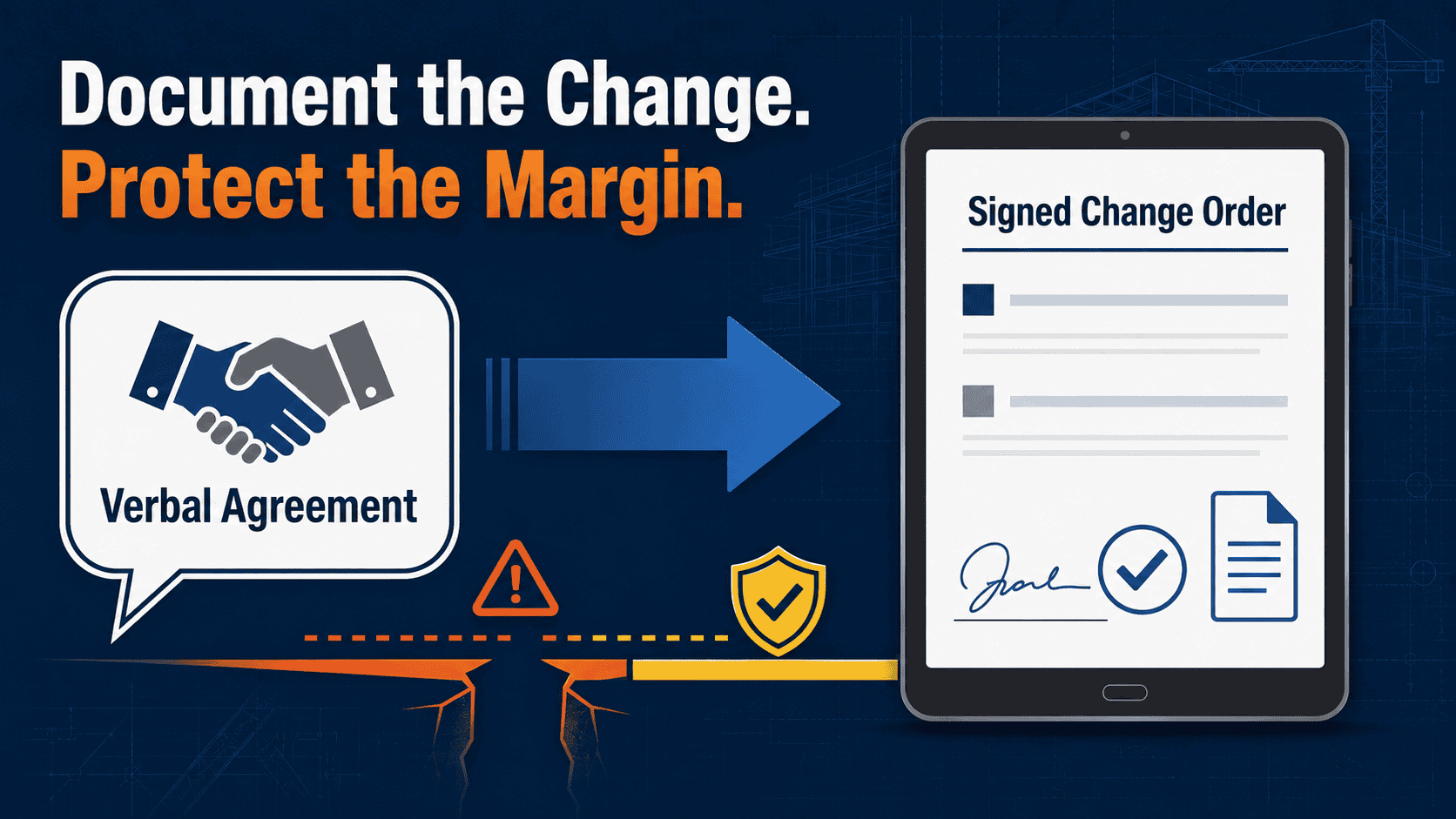
A change order is a written amendment to a signed contract. It documents a change in scope, cost, or timeline, and it requires sign-off from whoever’s paying before the work happens, not after. That’s the whole point of it: it converts a conversation into a document both sides can point to later.
In practice, most contractors treat the change order as paperwork that happens eventually, after the actual decision gets made in the field. The electrician says, “Sure, we can run that extra circuit.” The homeowner says, “Okay, whatever it costs.” None of that is a change order, it’s a verbal agreement that a change order is supposed to formalize. Until it’s formalized, nobody has actually agreed to a price.
Change order vs. purchase order vs. RFI
These three get lumped together constantly, and the mix-up is part of why change orders fall through the cracks.
A purchase order is a commitment to buy something at an agreed price, materials, equipment, or a subcontract line item. It doesn’t touch the scope of the original contract; it’s how you procure what the contract already calls for.
An RFI (request for information) is a question, not an agreement. “The drawing doesn’t show where this conduit terminates, which way do you want it?” An RFI response might trigger a change order if the answer changes the scope or cost, but the RFI itself commits no one to anything.
A change order is the only one of the three that actually modifies the contract. It needs a description of the change, a price, a schedule impact, if any, and a signature from the party who’s paying. Skip the signature, and you don’t have a change order, you have a hope.
Who ends up paying when it’s not in writing
When a change happens on a handshake, the cost doesn’t disappear. It lands on whoever has the weaker paper trail, and that’s usually the contractor. Clients remember the version where the extra work was “included.” Contractors remember the version where it clearly wasn’t. Without a signed document, there’s no tiebreaker, just a margin-eating negotiation at final invoice.
The real cost of an unsigned change
It’s rarely one catastrophic dispute. It’s the slow leak: a $400 change that never gets billed because writing it up felt like more hassle than it was worth, a $1,200 change that gets billed at 60% of cost because that’s what the client will agree to after the fact. Multiply that across a year of jobs, and it’s the margin that was earned and never collected.
Change order vs. PO vs. RFI at a glance
| Document | What it does | Does it change the contract? | Needs a signature? |
|---|---|---|---|
| Change Order | Adjusts scope, cost, or schedule on an existing contract | Yes | Yes, before work starts |
| Purchase Order | Commits to buying materials or a subcontract line at a set price | No | Depends on internal policy |
| RFI | Asks a clarifying question about drawings or scope | No, on its own | No |
Where the process actually breaks in the field
Most contractors already own a change order form. The form was never the problem. The gap is the three or four days between “the crew agreed to it on-site” and “someone at the office wrote it up, priced it, and got a signature back.” That gap is where memory drifts, and paperwork gets deprioritized behind whatever’s on fire that week.
A downloadable change order form template helps standardize the fields you capture, scope, price, schedule impact, and signature line. It does nothing about the gap itself. The form has to get filled out and signed the same day the change is agreed to, or it’s just a better-looking version of the same delay.
Where a done-for-you build fits
This isn’t about buying another app for the crew to half-use. It’s about closing the gap between “agreed to it on-site” and “it’s signed and priced,” so the paperwork is in place before the client’s memory of the conversation has a chance to drift.
A field change gets logged the moment it’s agreed to, from a phone, not a clipboard that makes it back to the office three days late.
The change gets priced against your actual rates, same-day, not estimated from memory a week later.
A change order is sent to the client for e-signature before the crew proceeds with the changed scope.
The signed change flows into the invoice automatically, so it’s never the line item that gets forgotten or negotiated down.
“Isn’t this just another app?”
“We already have change order software.”
Software gives you a form and a signature field. It doesn’t chase the field for details or make sure the change gets logged before the crew keeps working. That’s a process problem, not a software problem, which is why the build starts from how your crews actually work.
“This sounds like one more login for the field to ignore.”
If it requires the field to remember a new app, it’ll get ignored like the last one. A build that works fits with how the change is already communicated on-site, rather than asking crews to change their habits.
“AI is just going to guess at pricing.”
Pricing is based on your actual rate sheet and job history, not a generic estimate. Capture, pricing lookup, and e-signature routing are the mechanics; the point is a signed, priced change order the same day.
“This feels like a big, expensive project.”
It starts with a conversation about where changes are actually getting lost on your jobs, specifically, then a build scoped to that, not a platform rollout across your whole operation on day one.
Related RevUp Now AI Resources
See Where Your Change Orders Are Actually Leaking
Walk through your current process, from the moment a change gets agreed to on-site, to the moment it’s signed and billed, and find out exactly where the gap is.
Talk Through Your ProcessFrequently asked questions
Do I need a lawyer to write a valid change order?
No. A change order needs a clear scope description, a price, any schedule impact, and a signature from the paying party. It’s a business document, not a legal filing, though your contract should specify that changes require one before work proceeds.
What happens if a client verbally approves a change but won’t sign afterward?
This is exactly what a change order is meant to prevent. Without a signature, you’re relying on the client’s memory at the final invoice, a weak position to negotiate from. The fix is getting the signature before the work continues, not after.
Is a change order the same as a variation order?
Yes, “variation order” is the same concept, more common in commercial and international contracts. Same purpose: document and price a change to the original scope before it happens.
Can a change order form template alone fix this problem?
A template standardizes what information you capture, which helps. It doesn’t close the timing gap between when a change is agreed to in the field and when it gets written up. That gap is where most of the lost margin actually happens.