
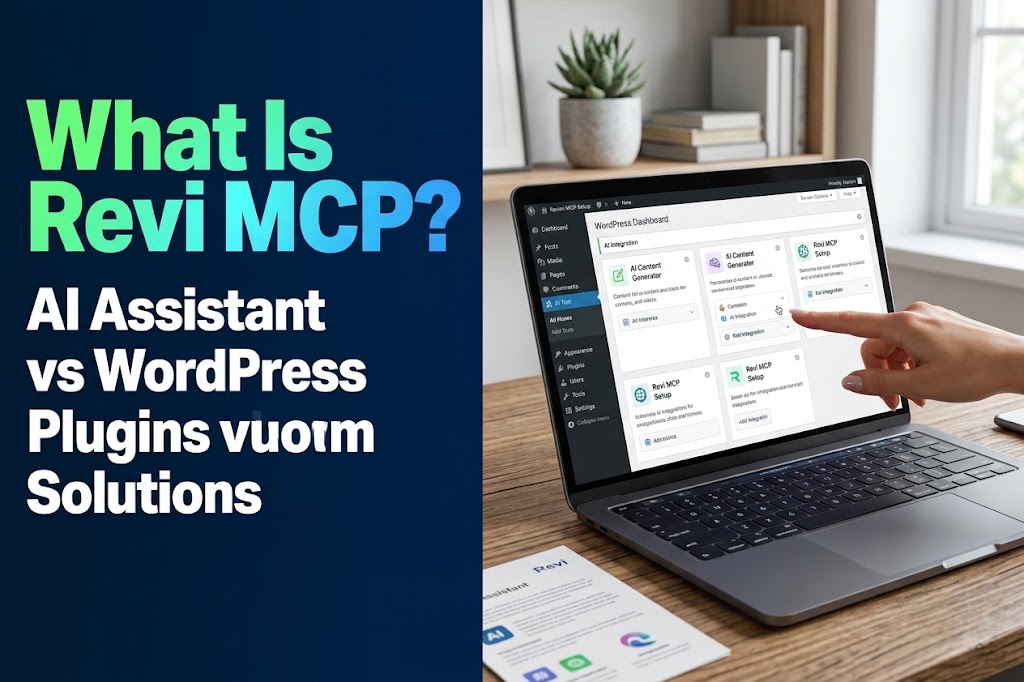
What Is Revi MCP? A Simple Guide to Using AI With WordPress
AI can help you write, research, and plan. Revi MCP connects compatible AI tools to WordPress so they can help carry out supported website tasks, with the permissions you choose.
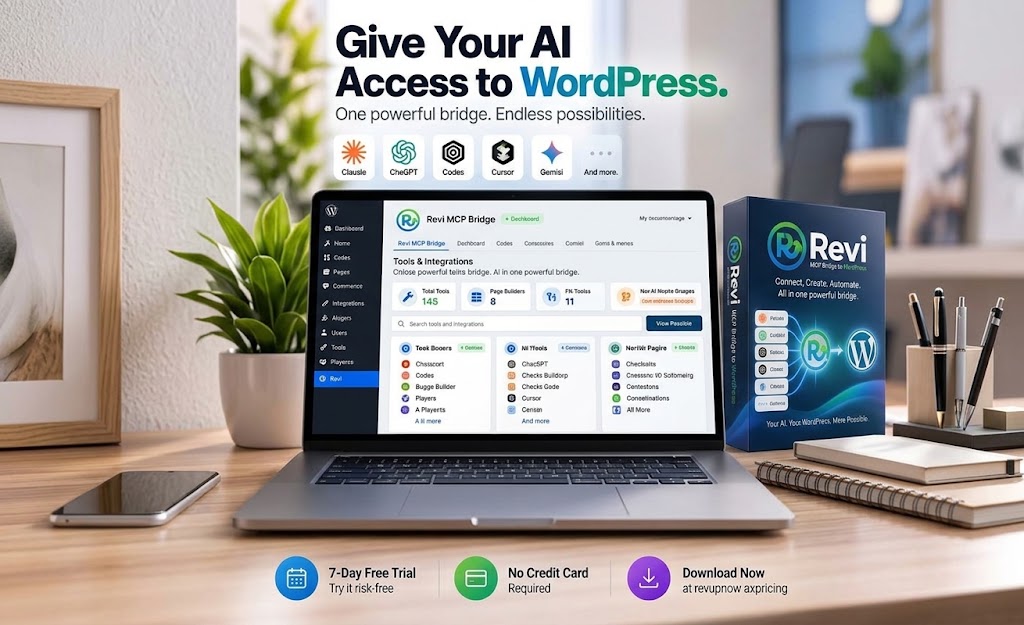
Quick Answer
Revi MCP is a bridge between WordPress and compatible AI tools. It uses the Model Context Protocol to let your AI assistant work with supported website functions instead of stopping at suggestions you must carry out manually. What it can do depends on the connection and the permissions you give it.
Who This Guide Is For
- Business owners managing a WordPress website
- Content teams and SEO professionals
- WordPress developers and agencies
- Businesses running WooCommerce stores
Key Takeaways
Model Context Protocol gives AI applications a standardized way to connect with external tools, systems, and data.
Compatible AI applications can use supported WordPress functions through Revi MCP.
Available actions depend on the connection, supported functions, and access you choose.
Content, SEO, pages, media, and supported WooCommerce tasks can become part of an AI-assisted workflow.
AI has become part of how many people work.
We use tools like ChatGPT and Claude to write content, research ideas, troubleshoot code, improve SEO, analyze information, and help with everyday tasks.
But there is still a problem.
Your AI might be helping you decide what to do, while you are still the one doing the actual work inside WordPress.
You ask AI to write a blog post.
Then you copy it.
Open WordPress.
Create the post.
Paste the content.
Format everything.
Add the metadata.
Upload the images.
Review it.
Then publish.
The AI helped, but you were still the middleman.
This is one of the problems MCP is designed to solve.
And it is exactly why we built Revi MCP for WordPress.
First, What Is MCP?
MCP stands for Model Context Protocol.
In simple terms, MCP gives AI applications a standardized way to connect with external tools, systems, and data.
Think about how APIs allow different software applications to communicate with each other.
MCP brings a similar concept to AI.
Instead of an AI assistant only answering questions inside a chat window, MCP can give that AI controlled access to tools it can actually use.
For example, an AI assistant connected through MCP could potentially:
- Read information from another system
- Search existing data
- Create or update content
- Trigger actions
- Work with files
- Interact with software
- Perform multi-step workflows
The exact capabilities depend on the MCP connection and the permissions it has been given.
That last part is important.
MCP is not simply about giving AI unlimited access to everything.
A properly designed MCP connection determines exactly what the AI can access and what actions it is allowed to perform.
So What Does MCP Have to Do With WordPress?
WordPress is powerful, but managing a WordPress website still involves a lot of manual work.
You log into the dashboard.
You move between posts, pages, products, plugins, media, SEO settings, and other tools.
When using AI, you often end up moving back and forth between your AI assistant and WordPress.
For example:
Traditional AI workflow:
AI generates content → You copy it → Open WordPress → Paste it → Format it → Optimize it → Publish it.
With an MCP connection, the workflow can become much more direct.
AI + MCP workflow:
You give the AI instructions → The AI performs the permitted WordPress actions.
Instead of AI simply giving you instructions, it can become part of the actual workflow.
That is where Revi MCP comes in.
| Task | Traditional AI Workflow | AI + MCP Workflow |
|---|---|---|
| Create content | AI generates content; you move it into WordPress. | Your AI can create supported WordPress content through the connection. |
| Update the website | You carry out the suggested changes in the dashboard. | Your AI can perform supported updates with the appropriate permissions. |
| Review and publish | You review and publish inside WordPress. | Your AI can help publish approved content when the connection supports it and access permits it. |
What Is Revi MCP?
Revi MCP is a bridge between WordPress and the AI tools you already use.
It allows compatible AI applications to communicate with your WordPress website through MCP.
Instead of replacing your AI tool or giving you another platform to learn, Revi is designed to connect WordPress to the AI environment you already prefer.
The idea is simple:
Once connected and given the appropriate permissions, your AI can perform supported WordPress tasks based on your instructions.
That means AI can move beyond simply telling you how to manage your website.
It can help you actually manage it.
What Can You Do With Revi MCP?
There are many potential workflows depending on how your WordPress site is being used.
Create and Manage Content
Content creation is one of the most obvious examples.
Instead of generating an article in one tool and manually moving it into WordPress, you can use your AI assistant to help create and manage the content directly.
That can include workflows such as:
- Creating blog posts
- Updating existing articles
- Editing page content
- Creating drafts
- Publishing approved content
- Managing titles and descriptions
- Organizing website content
For teams producing content regularly, removing repetitive copying and switching between tools can make a major difference.
Manage WordPress SEO
SEO work often involves hundreds of small tasks.
Updating titles.
Changing descriptions.
Reviewing old pages.
Optimizing content.
Correcting missing information.
Improving existing articles.
Individually, these tasks are simple.
Across an entire website, they can consume a lot of time.
Revi can allow an AI assistant to work with supported WordPress content so SEO tasks can become part of a larger AI-driven workflow.
Instead of asking:
“Can you improve this SEO title?”
You can move toward instructions such as:
“Review these posts and update the SEO titles based on these guidelines.”
The difference is important.
One produces a suggestion.
The other helps complete the workflow.
Work With WooCommerce
For businesses running WooCommerce, managing an online store can involve even more repetitive work.
Products have descriptions, categories, pricing information, inventory details, orders, and other information that needs ongoing management.
With the right permissions, Revi can allow compatible AI tools to work with supported WooCommerce functions.
This opens the door to workflows involving:
- Product management
- Product content updates
- Order information
- Store organization
- Repetitive ecommerce administration
The goal is not to remove human oversight.
The goal is to reduce the repetitive work humans should not have to keep doing manually.
Build and Manage Pages
AI website builders have improved dramatically.
But many still stop at generating ideas, layouts, or code that someone must manually transfer into the website.
Revi is designed to bring the AI closer to the actual WordPress environment.
That creates possibilities for workflows such as creating or modifying pages based on instructions, designs, screenshots, or development requirements.
For developers and agencies, this can significantly change how WordPress work gets done.
Instead of spending most of the process clicking through the dashboard, AI can assist with more of the implementation.
Manage Media and Other Website Tasks
Content is only one part of WordPress.
Websites also contain media, pages, products, metadata, and other information that constantly needs to be maintained.
The larger the website becomes, the more these small maintenance tasks add up.
Connecting AI directly to WordPress makes it possible to automate more of these operational tasks instead of treating AI purely as a content generator.
Revi Is Not Another AI Chatbot
This distinction is important.
Revi is not trying to replace ChatGPT, Claude, or the other AI tools you already like using.
It is the connection layer.
Your AI remains the interface you work with.
Revi gives that AI a controlled way to interact with WordPress.
That means you do not necessarily need another AI dashboard just to manage your website.
You can continue working with the AI environment you are already comfortable with.
Your AI. Your WordPress. Your rules.
Why Not Just Use ChatGPT and Copy Everything Into WordPress?
You absolutely can.
And for occasional tasks, that workflow may be perfectly fine.
The difference becomes noticeable when the same process happens repeatedly.
Imagine publishing three articles every week.
Or maintaining hundreds of products.
Or updating metadata across dozens of pages.
Or managing several client websites.
Suddenly, the time spent copying, pasting, switching tabs, navigating dashboards, and repeating the same steps becomes significant.
AI has already made generating information much faster.
The next step is reducing the manual work required after the AI generates it.
That is where MCP becomes valuable.
Is Giving AI Access to WordPress Safe?
This is one of the first questions people should ask.
AI access should not mean unrestricted access.
Revi is designed around permission controls so users can determine how much access an AI connection receives.
Different situations require different levels of control.
Someone researching website information should not necessarily have the same permissions as someone managing content or administering a website.
Revi includes multiple permission levels so access can be limited based on the workflow.
Actions are also logged, and safeguards such as backups help provide additional control when AI is performing website operations.
Certain critical WordPress files are intentionally kept outside the AI’s control.
The objective is not simply to give AI more power.
It is to give AI useful, controlled access.
Someone researching website information should not necessarily have the same permissions as someone managing content or administering the website. Choose access based on the workflow.
Who Is Revi MCP For?
Revi can be useful for anyone who spends significant time working inside WordPress, but several groups stand to benefit in particular.
WordPress Developers
Developers can use AI as a more active part of their development workflow instead of simply using it as a coding assistant.
Agencies
Agencies managing several WordPress websites often repeat the same tasks across multiple clients.
Reducing repetitive administration can help teams handle more work without adding the same amount of manual effort.
Content Teams
Teams publishing frequently can reduce the number of steps between creating content and getting it into WordPress.
SEO Professionals
SEO work often requires repetitive changes across many pages.
Connecting AI directly to WordPress can make those workflows significantly easier to manage.
Ecommerce Businesses
WooCommerce stores frequently require ongoing updates to products and other store information.
AI-assisted management can help reduce repetitive administration.
Business Owners
A business owner should not need to become a WordPress expert just to make routine website changes.
AI combined with controlled WordPress access can make website management much more approachable.
From AI Assistant to AI Operator
For the last few years, most AI tools have acted primarily as assistants.
You ask a question.
The AI responds.
You take the answer and perform the work.
MCP changes that relationship.
The AI can begin interacting with the systems where the work actually happens.
That means the role of AI is gradually moving from:
“Here is how you can do it.”
to:
“I can help you do it.”
For WordPress users, that is a major shift.
The real opportunity is not simply generating more content with AI.
It is removing the repetitive steps between an idea and the finished work.
The Future of WordPress Management May Look Very Different
WordPress has traditionally been managed through dashboards, menus, forms, plugins, and admin screens.
Those tools are not disappearing.
But AI is introducing another way to interact with software.
Instead of navigating several screens to complete a task, more work may eventually begin with a simple instruction.
Create this.
Update that.
Find these pages.
Improve these descriptions.
Publish this draft.
Check these products.
Fix these issues.
And then the AI uses tools like Revi to perform the permitted actions behind those instructions.
The interface starts becoming less important.
The outcome becomes more important.
Start Using AI With WordPress Differently
AI can already help you write.
It can already help you research.
It can already help you code.
The bigger opportunity is allowing AI to participate in the systems where your work actually happens.
That is what Revi MCP is built to help make possible.
Connect the AI tools you already use to WordPress, decide what they are allowed to do, and start reducing the repetitive work between you and your website.
Your AI. Your WordPress. Your rules.
Try Revi
If you already use AI to help manage, develop, or create content for WordPress, Revi can help bring those workflows directly into your website.
Try Revi for free and see what your AI can do when it is actually connected to WordPress.
Try Revi for FreeRelated RevUp Now AI Resources
Frequently Asked Questions
What does MCP stand for?
MCP stands for Model Context Protocol. It gives AI applications a standardized way to connect with external tools, systems, and data.
What is Revi MCP?
Revi MCP is a bridge between WordPress and compatible AI tools. It allows those tools to communicate with your website and perform supported tasks with the appropriate permissions.
Does Revi replace my AI assistant?
Revi is the connection layer. You continue using a compatible AI application, while Revi provides a controlled way for it to interact with WordPress.
What WordPress tasks can it help with?
Depending on supported functions and permissions, workflows can include creating and updating content, managing SEO information, working with pages and media, and supported WooCommerce tasks.
Does an AI connection get unrestricted access?
Access depends on the permissions assigned to the connection. Revi is designed around multiple permission levels, action logging, backups, and restrictions on certain critical WordPress files.
Can I still use my WordPress dashboard?
Yes. WordPress dashboards, menus, and admin screens remain part of website management. An MCP connection adds another way to carry out supported tasks.